Strategy to Get Full $200 Credit
Step 1: Get First $100 Credit
How to:
Visit AWS Free Tier
- Click Create Account
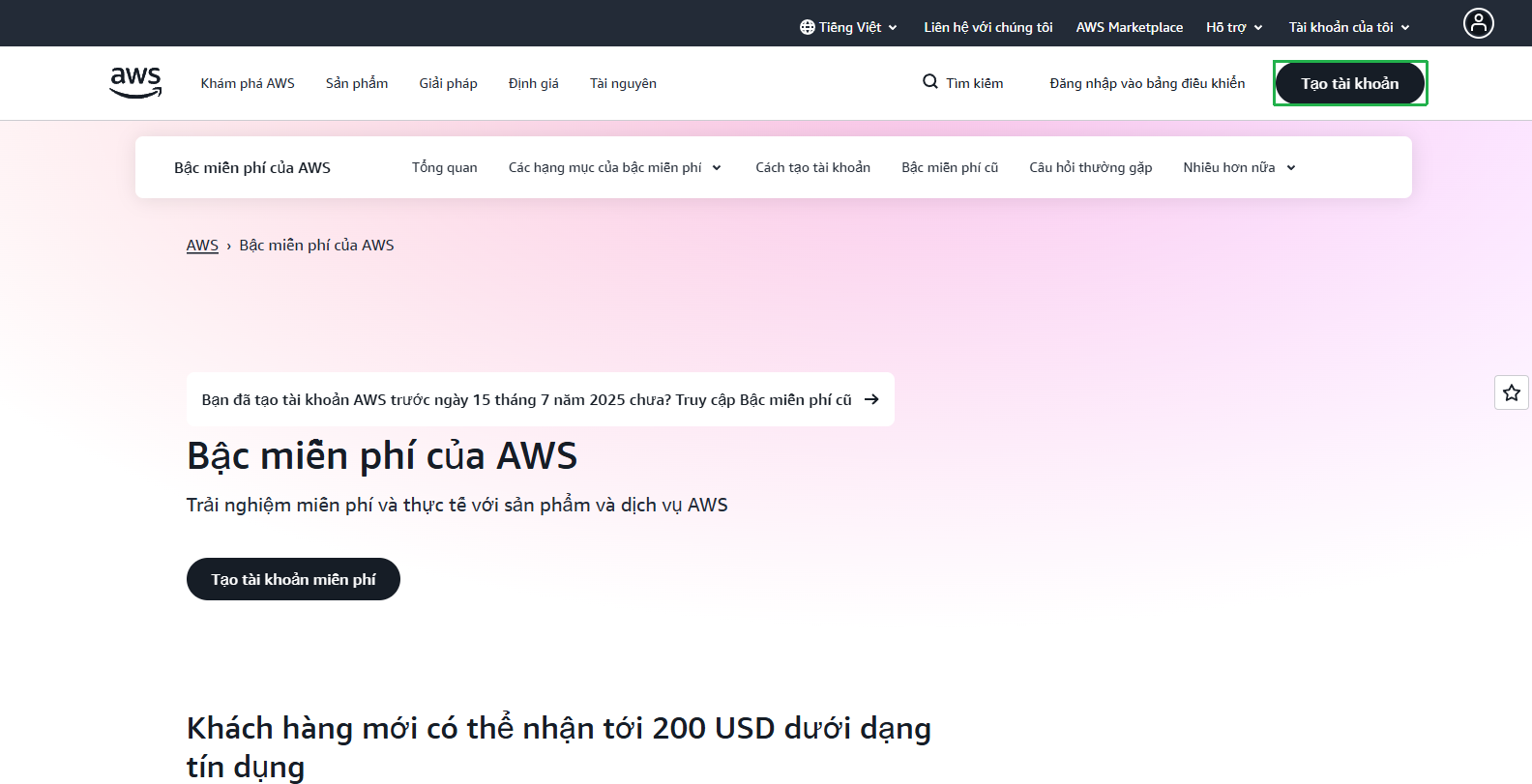
- Click Create Account
Enter Required Information
- Enter User email
- Enter AWS account name
- Click Verify email address
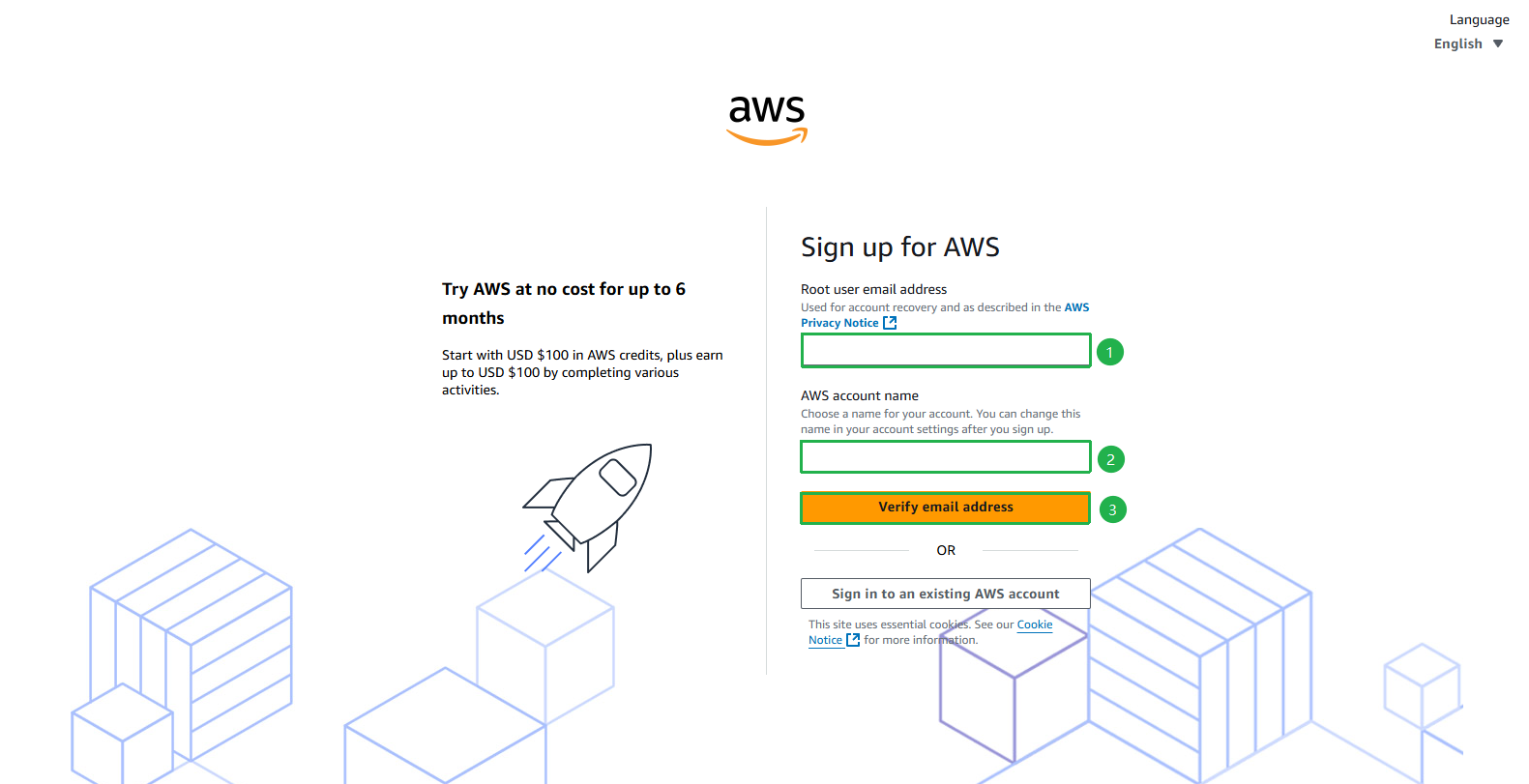
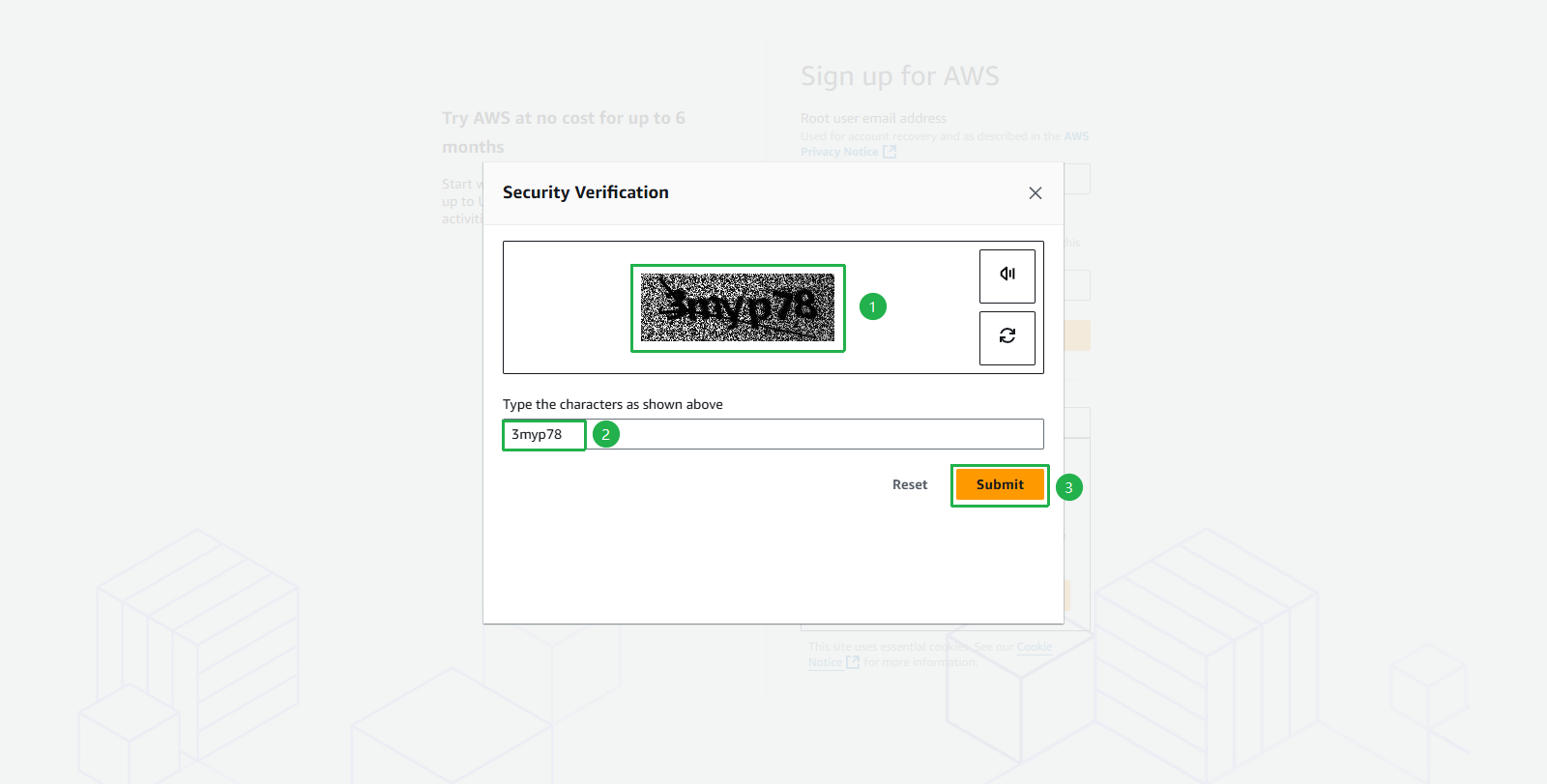
- Submit security verification
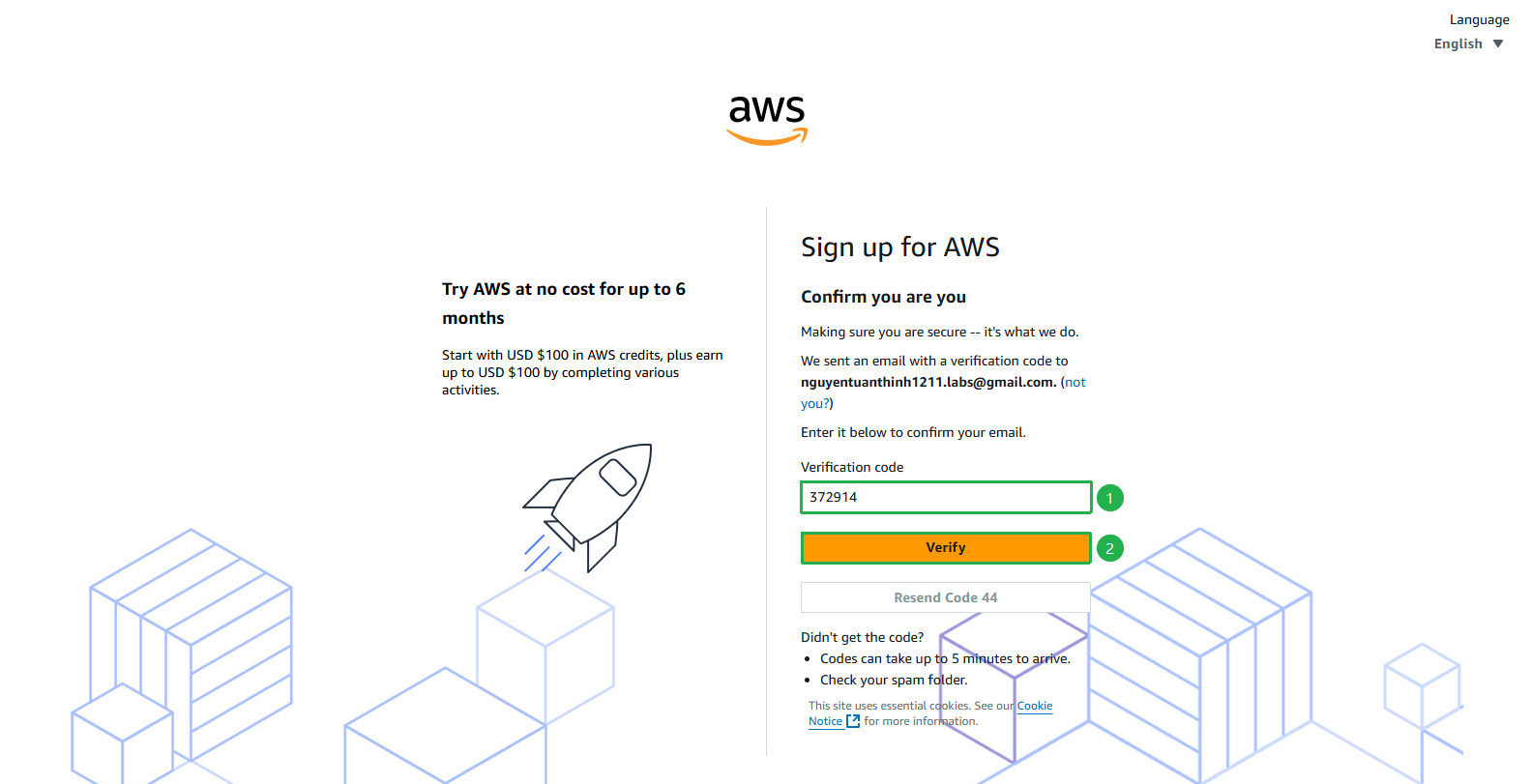
- Enter Verification Code sent to your email
- Click Verify
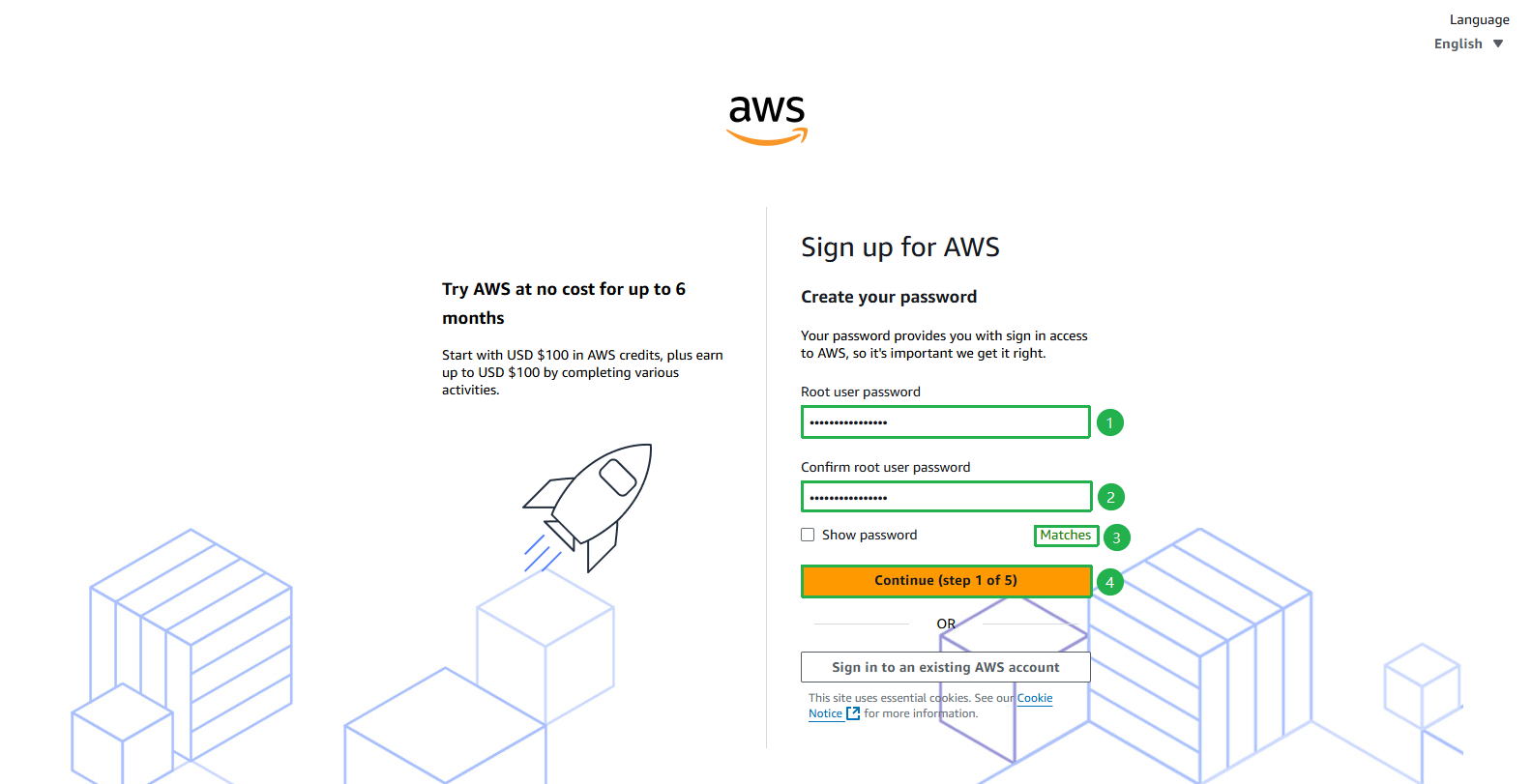
- Enter Password
- Click Continue
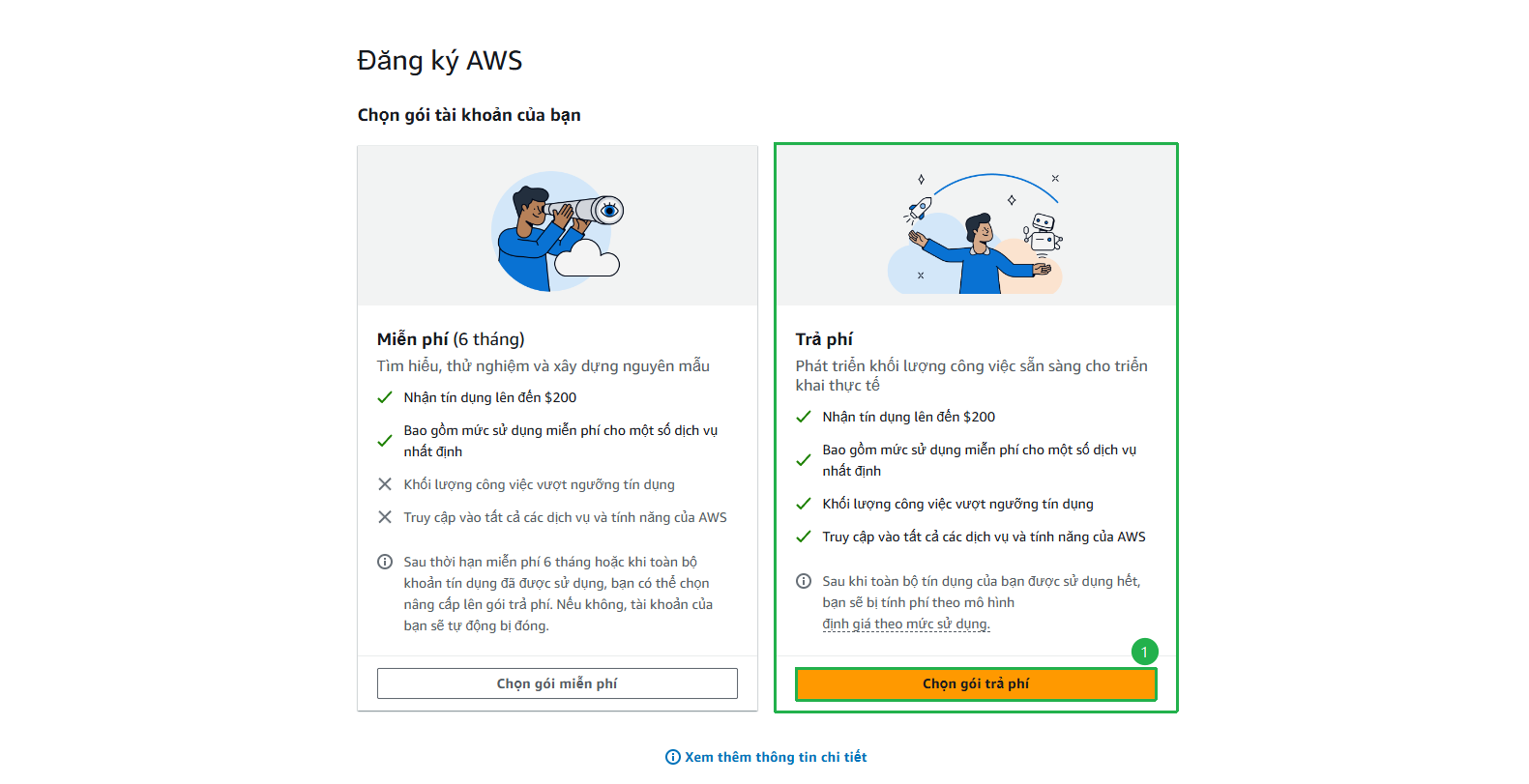
Choose Free Plan or Paid Plan
- In this guide, we will choose Paid Plan to access all AWS services and features without limitations
- Click Choose Paid Plan
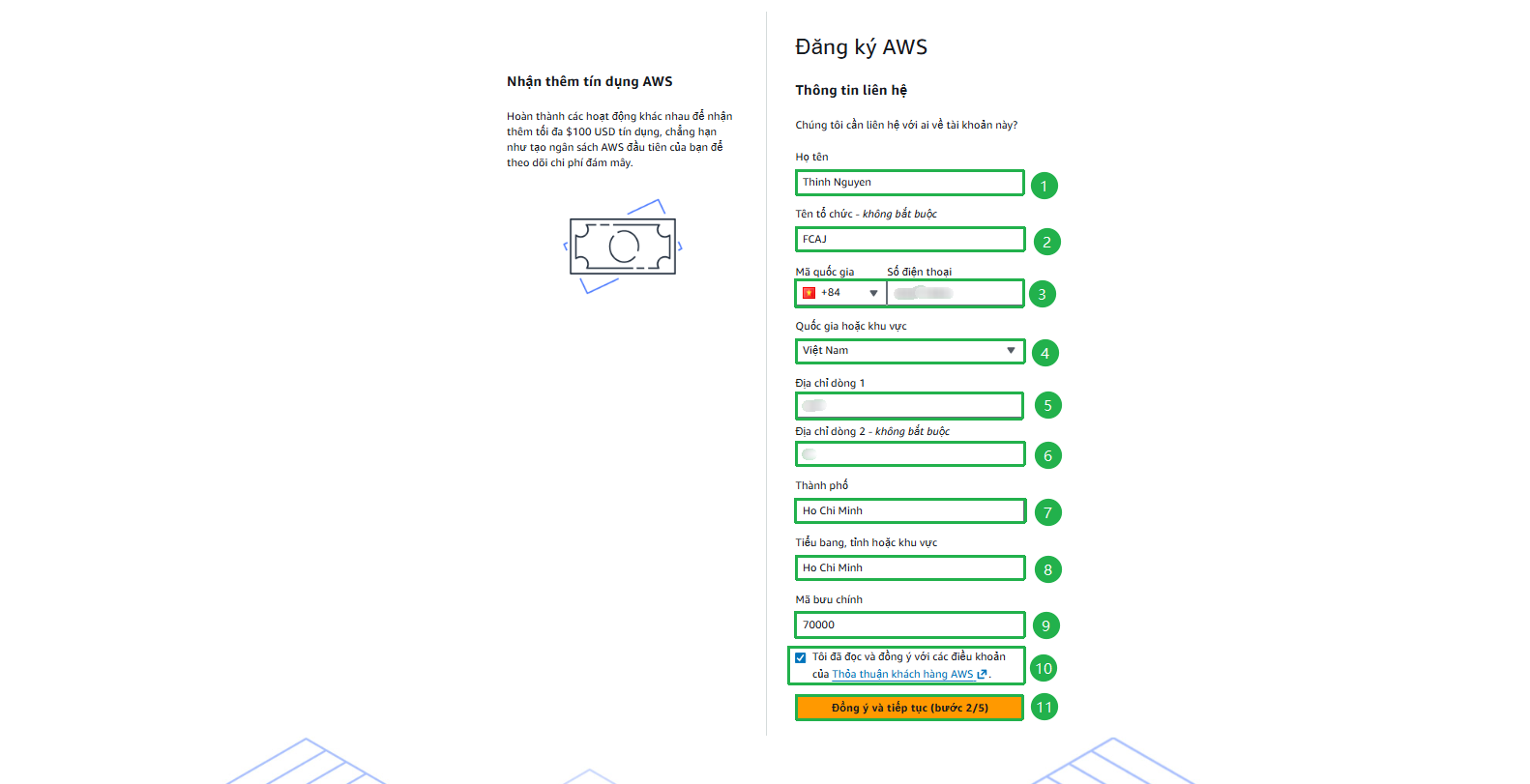
Complete registration with valid information
- Enter valid information
- Check the box I have read and agree to the terms
- Click Agree and continue
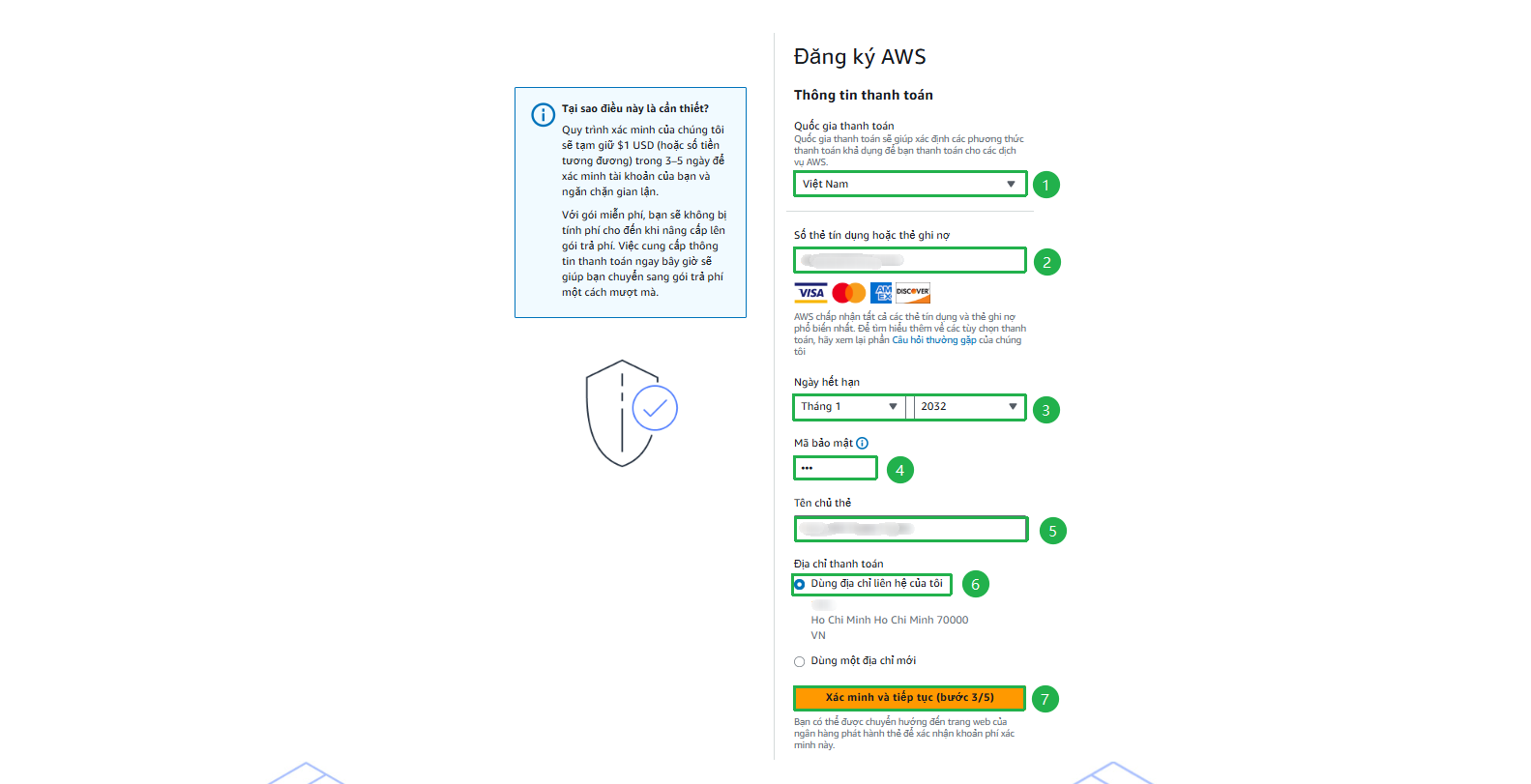
Complete Payment Information
- Enter Valid card information
- Click Verify and continue
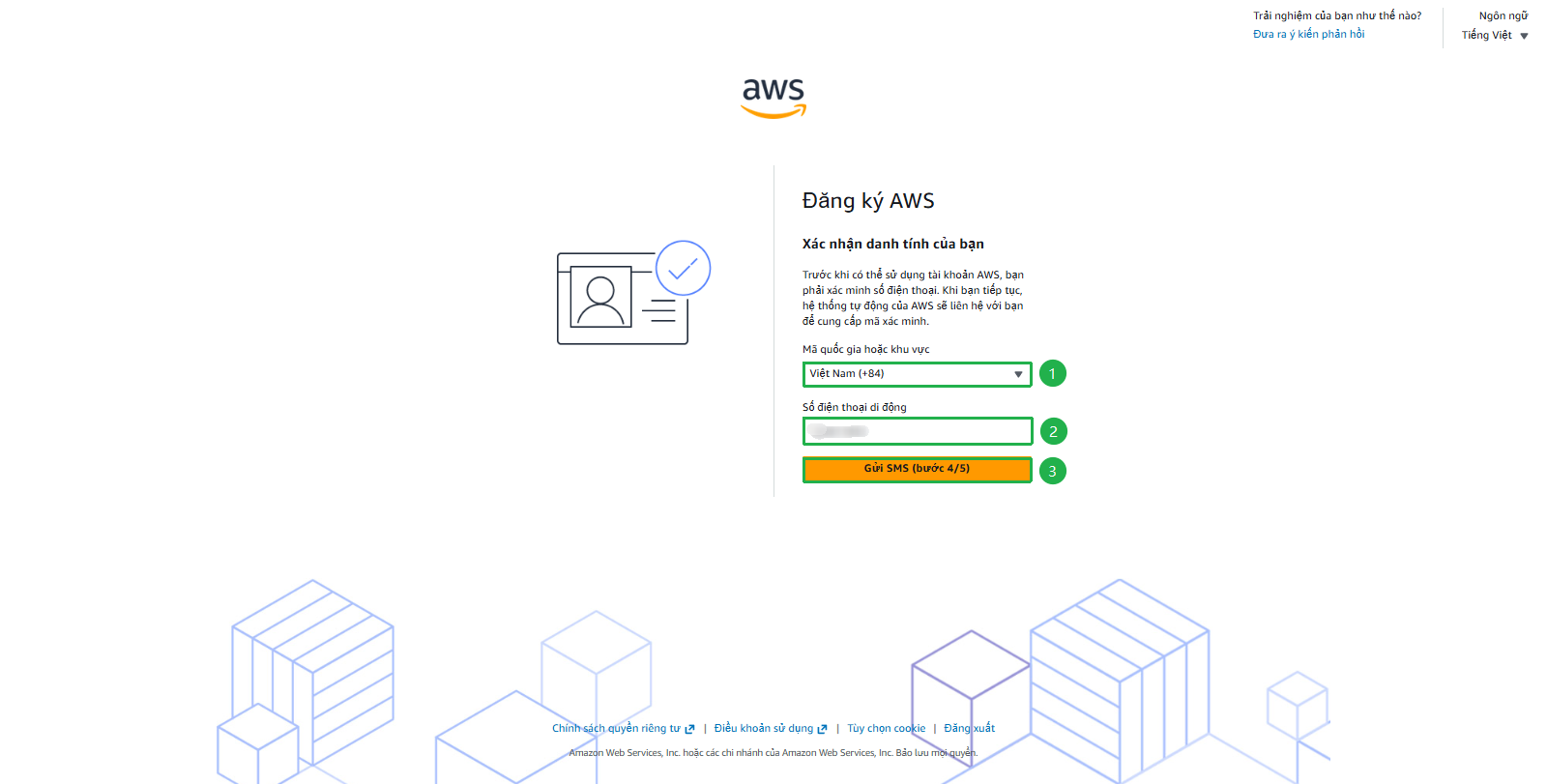
Verify Phone Number
- Select Country or region code
- Enter Mobile phone number (Remove leading 0, e.g., 945123456)
- Click Send SMS
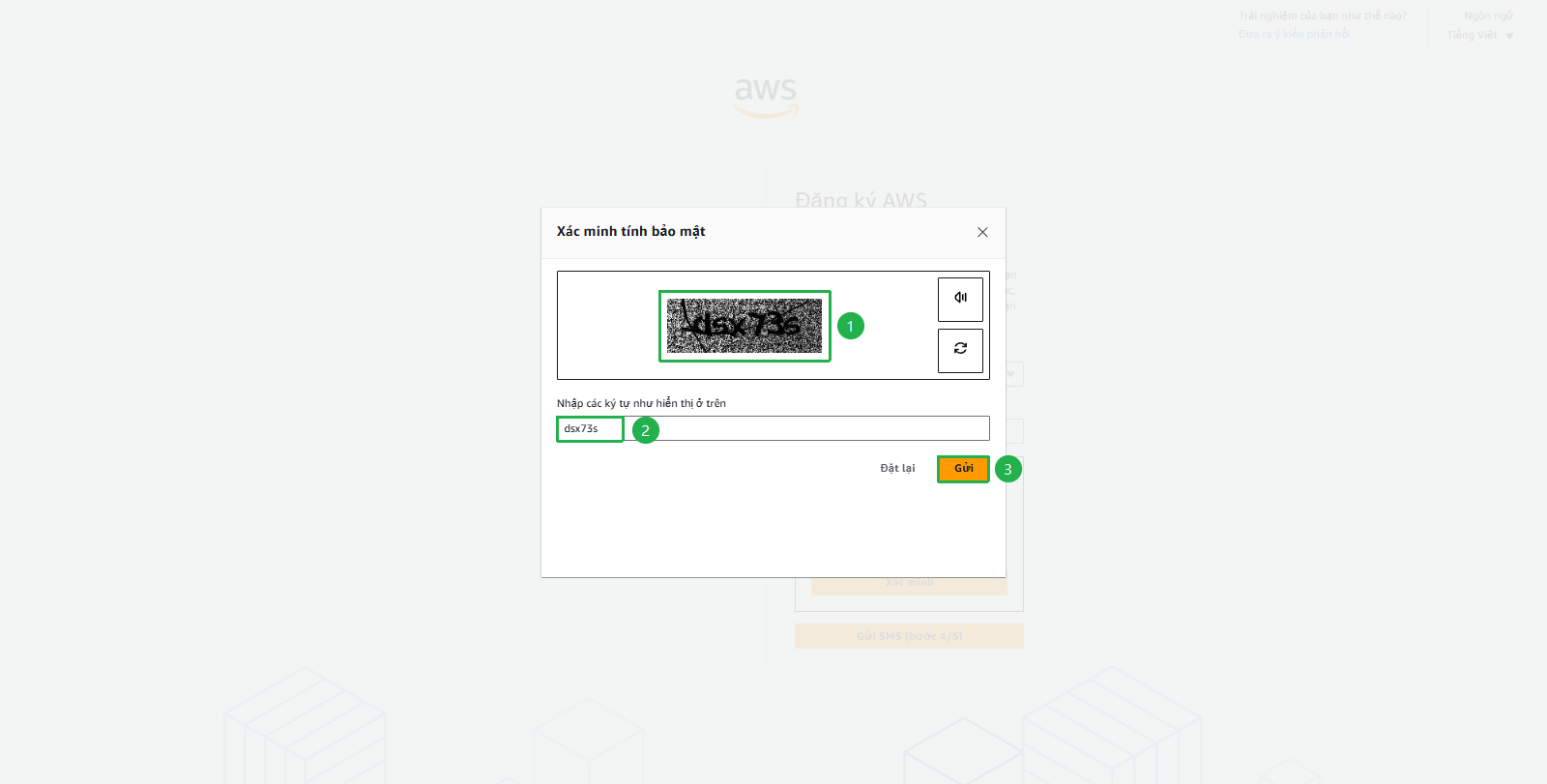
- Enter Verification code
- Click Continue
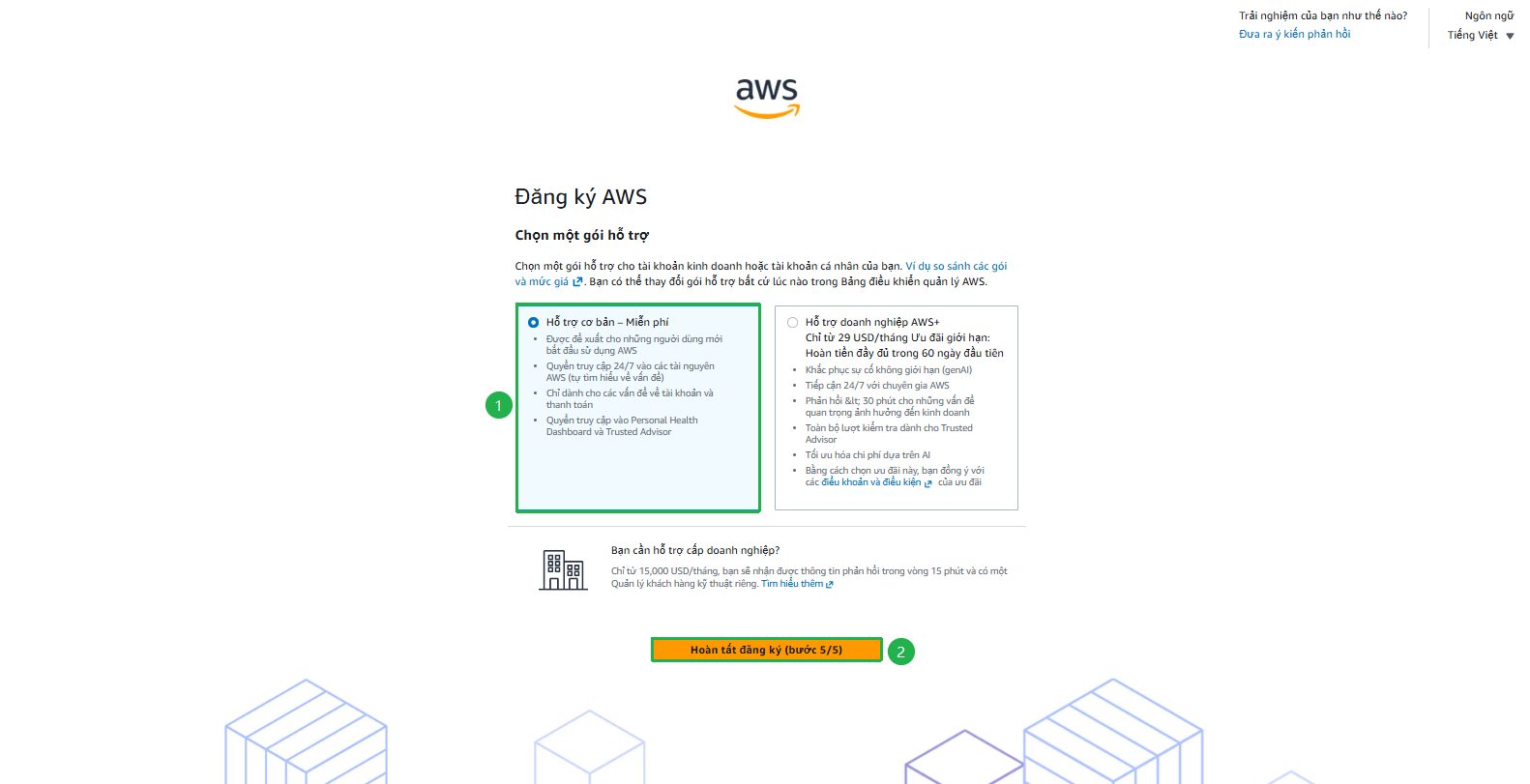
Complete registration
- Choose plan Basic Support - Free
- Click Complete registration
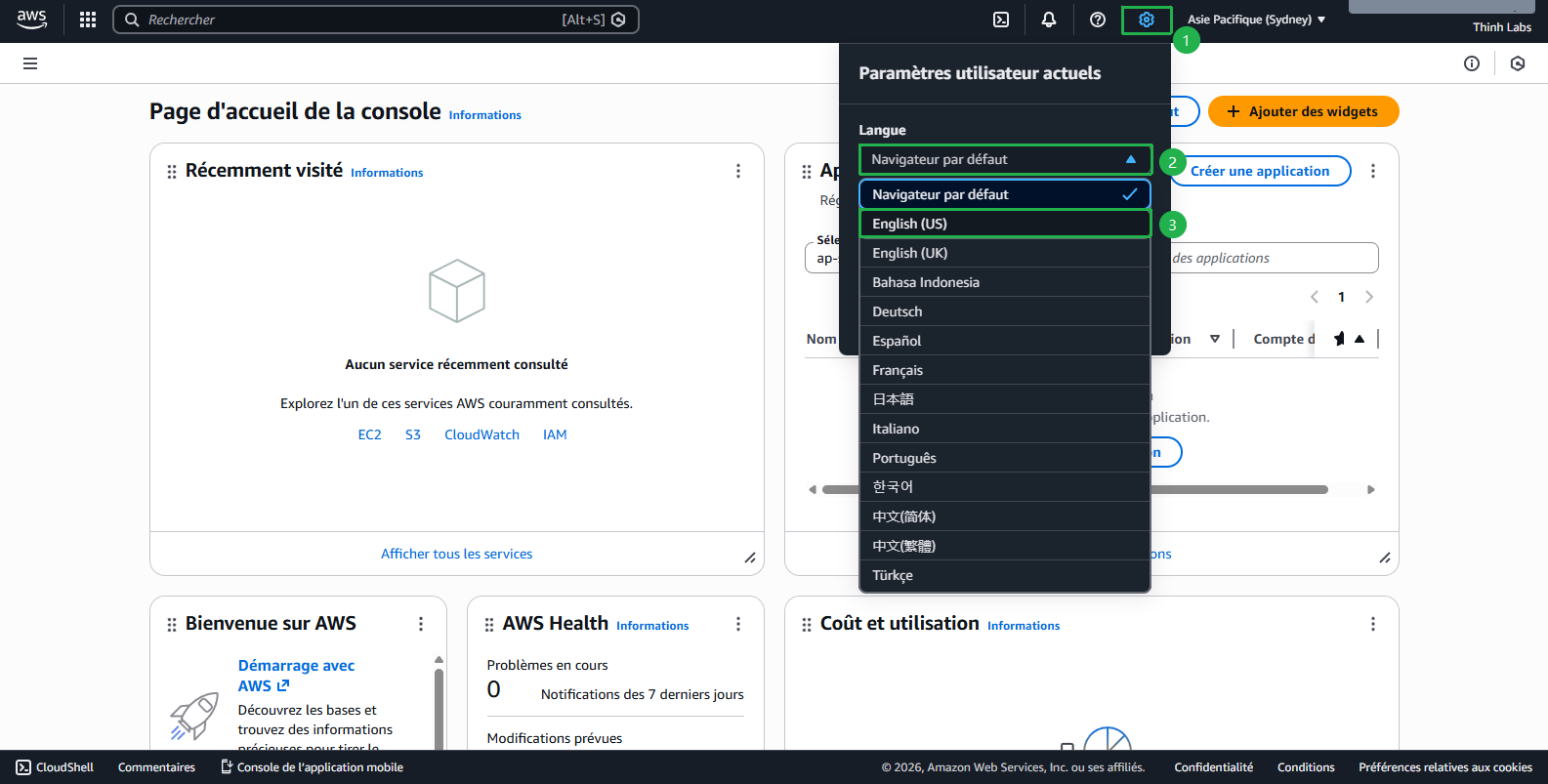
- You will be automatically redirected or click Here to go to Console
- Switch language to English(US)
$100 credit will be credited automatically
- Time: Immediately after account creation
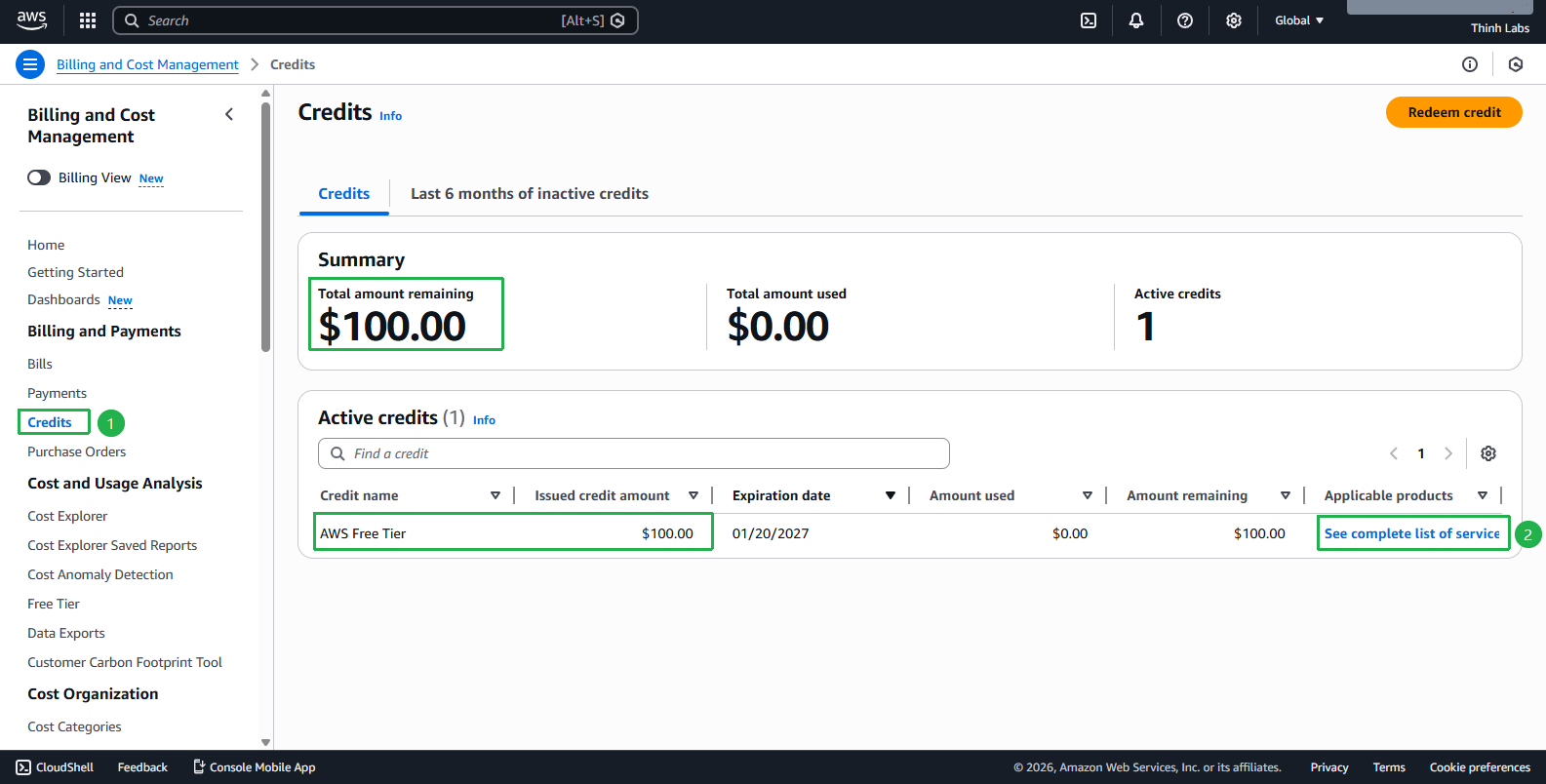
- Check: AWS Billing Console
- Select Credits to check whether $100 credit has been successfully added
- Click See complete list of services to see services covered by credits (beyond the services listed there, other services will be charged directly to the bank account)
ℹ️ During your AWS usage and work, errors or unexpected situations may occur, for example: Amazon Bedrock not usable, service quota increase requests, forgetting to stop EC2 causing high charges, … At that point you can contact AWS Support via Raise support for AWS or if you don’t know how, see the detailed guide here.
Step 2: Earn additional $100 from 5 tasks
Location: Find the “Explore AWS” widget on AWS Console Home
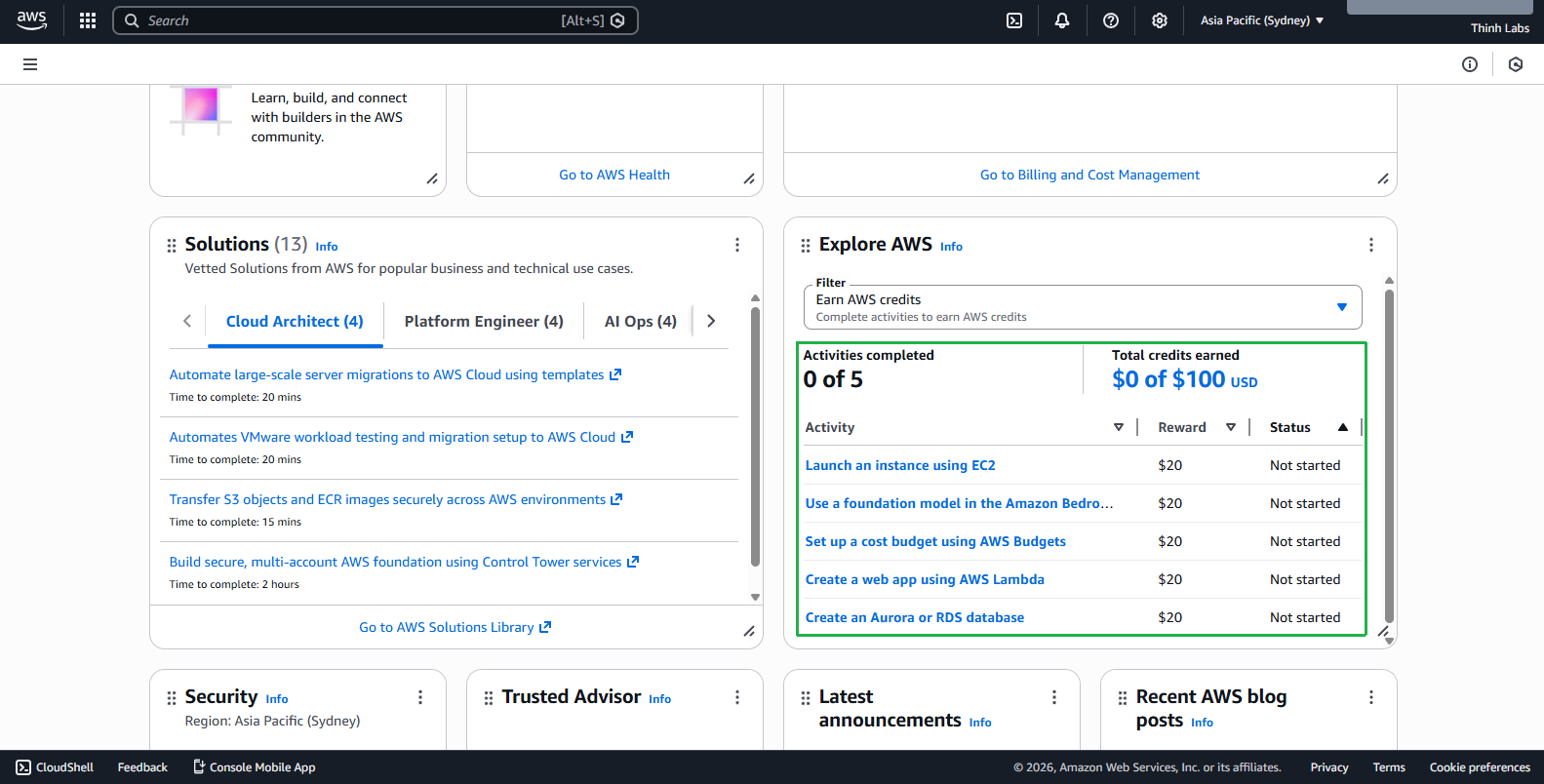
5 required tasks:
- Launch EC2 Instance - $20 credit
- Use Amazon Bedrock Playground - $20 credit
- Set up AWS Budgets - $20 credit
- Create Lambda Web App - $20 credit
- Create RDS Database - $20 credit
Completion time: 2-4 hours for all
Pro Tips:
- Complete in order to optimize learning curve
- Use smallest instance sizes
- Clean up resources after each task
- Document the process for future reference
Credit timeline
- Day 1: Create account → $100 ✅
- Day 2-3: Complete 5 tasks → $100 ✅
- Total: $200 credit in 3 days